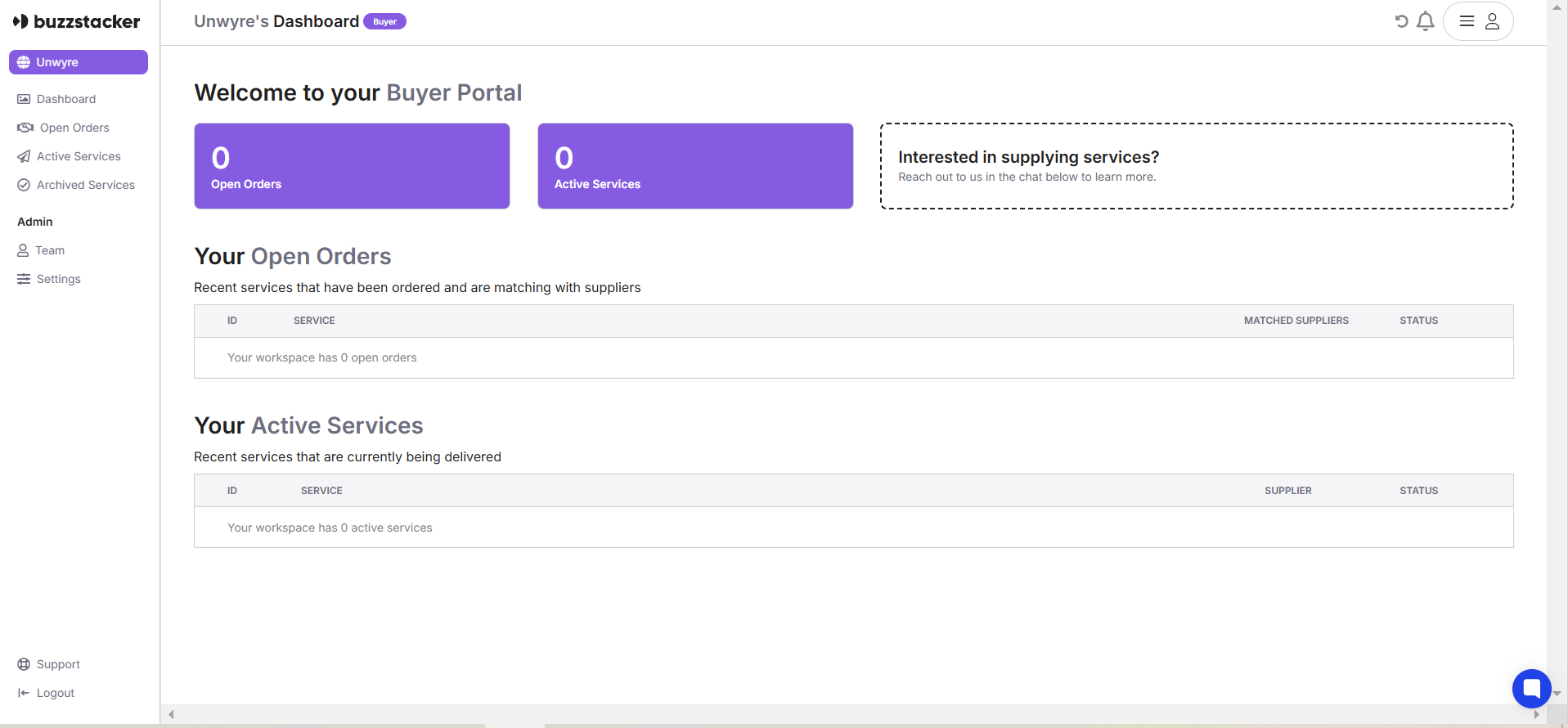
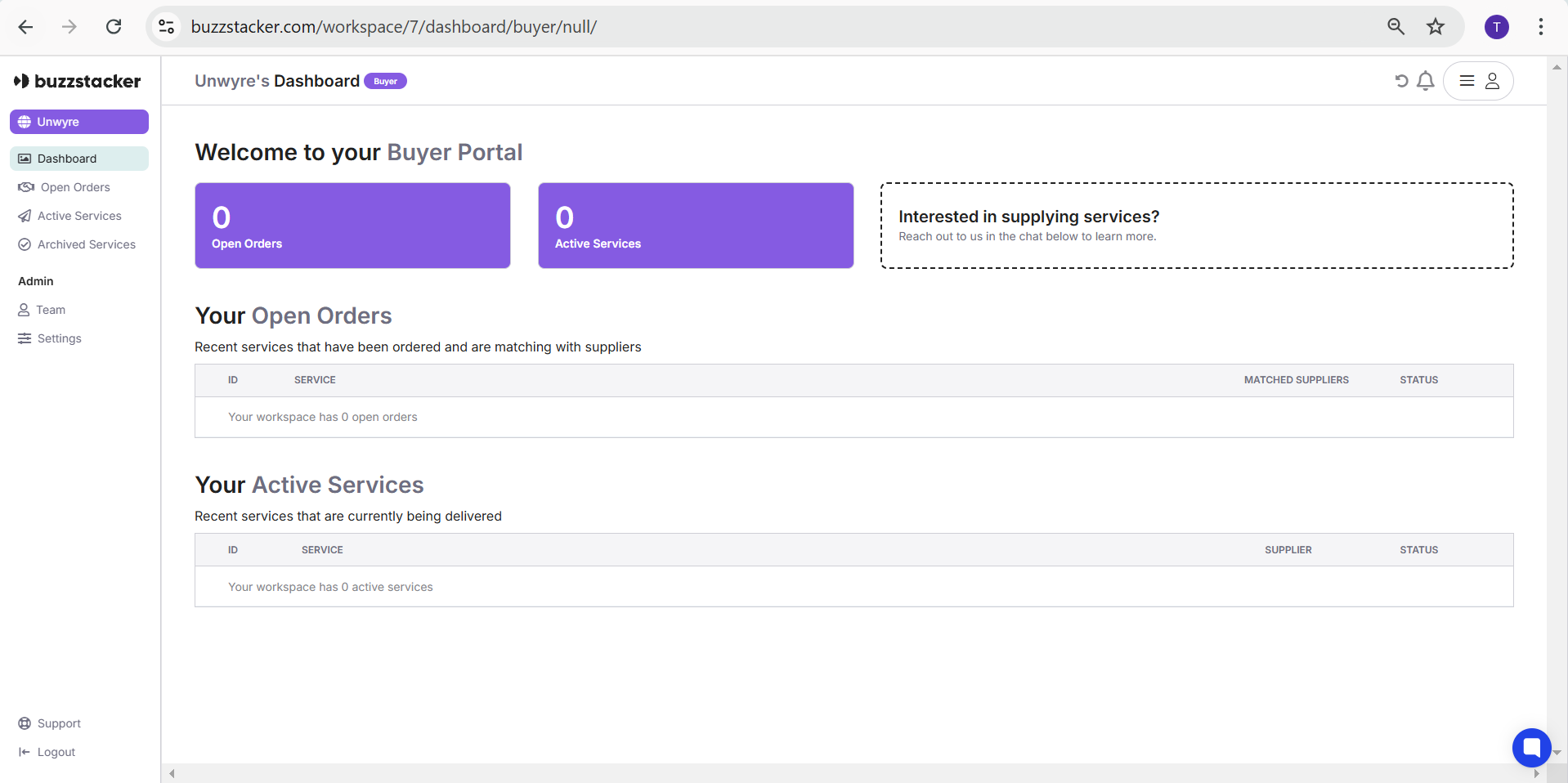
The Workspace Dashboard is your command center for managing all your active services, open orders, team collaborations, and settings. It provides a clear, organized view of your ongoing and completed tasks to streamline your service delivery experience.
The Buyer Portal serves as the central hub for tracking your orders and active services within a workspace. Here’s what you’ll find:
Open Orders
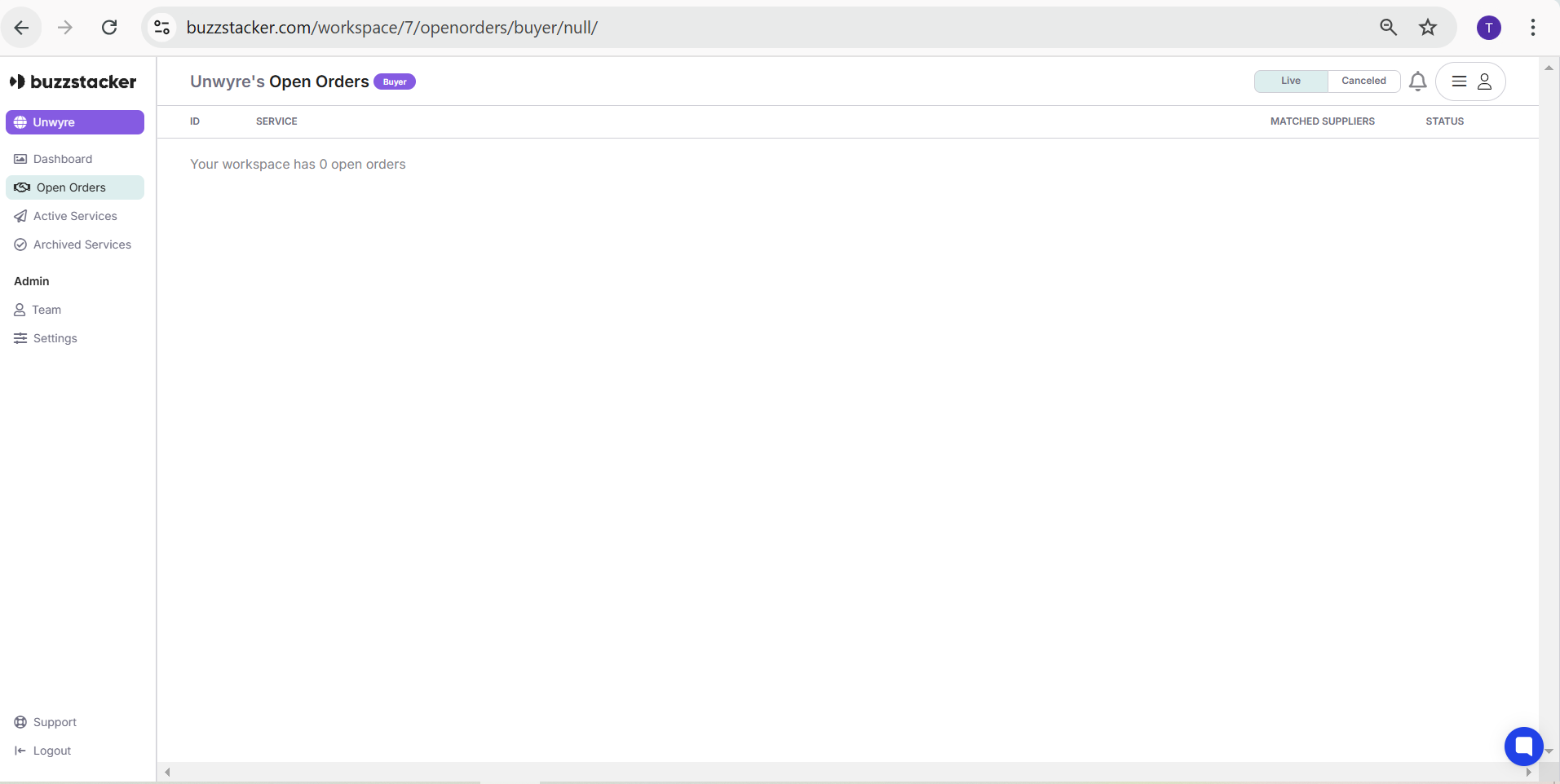
This section displays all services you have ordered that are in the process of being matched with suppliers.
You can track the status, matched supplier, and other order details in a clear and structured format.
If there are no current open orders, the dashboard will indicate this.
Active Services
Active Services are those that are currently being delivered by the supplier.
View detailed information such as service ID, supplier, and status.
Track progress in real time and ensure services are on schedule.
The left-hand navigation panel allows you to seamlessly switch between different sections of your workspace:
Dashboard: Your default view showcasing Open Orders and Active Services.
Open Orders: A detailed view of all services that are still in the ordering and supplier-matching phase.
Active Services: Track all live services currently being delivered.
Archived Services: Access completed or canceled services for future reference.
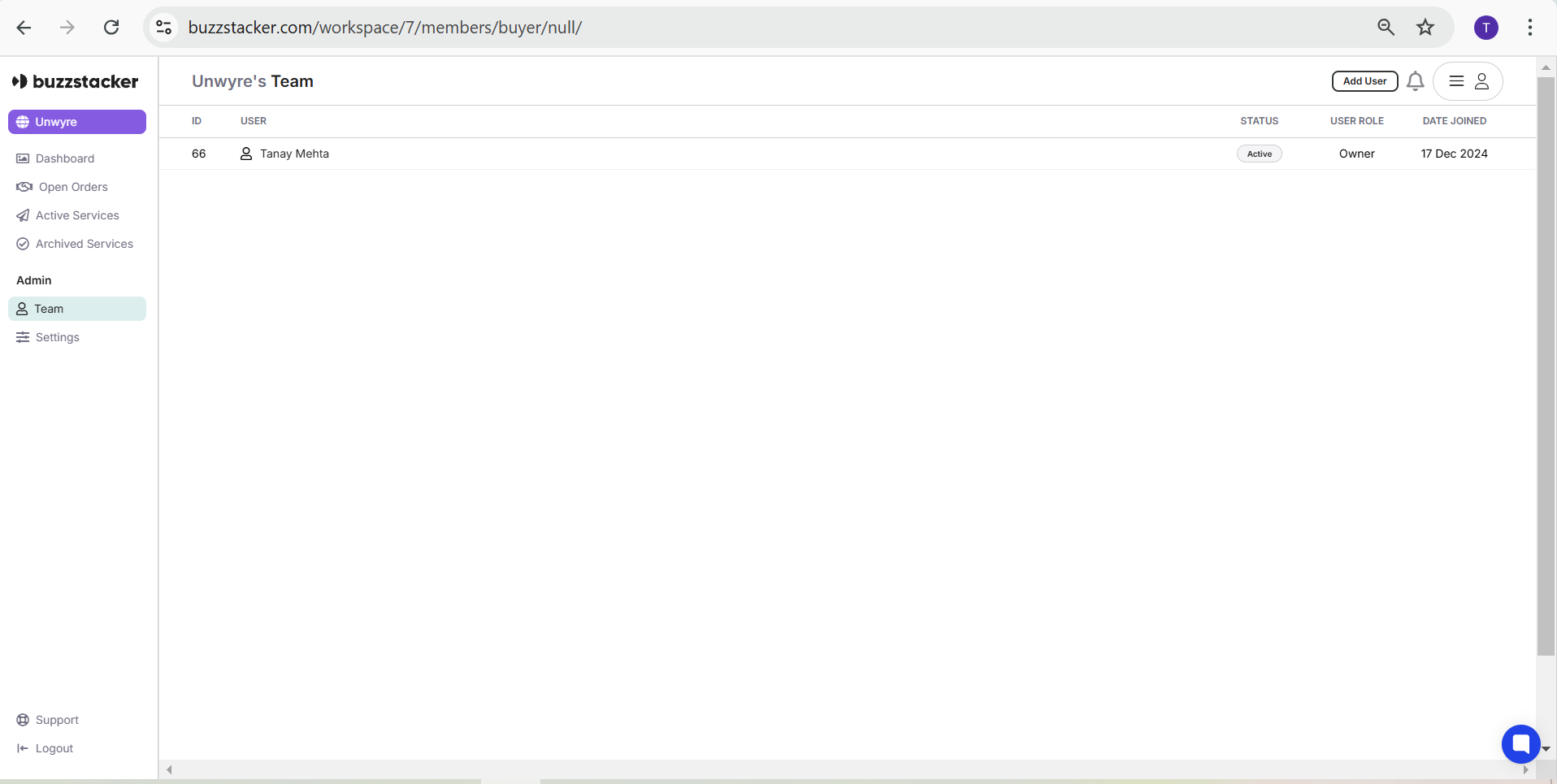
Team: Collaborate by adding or managing team members within your workspace.
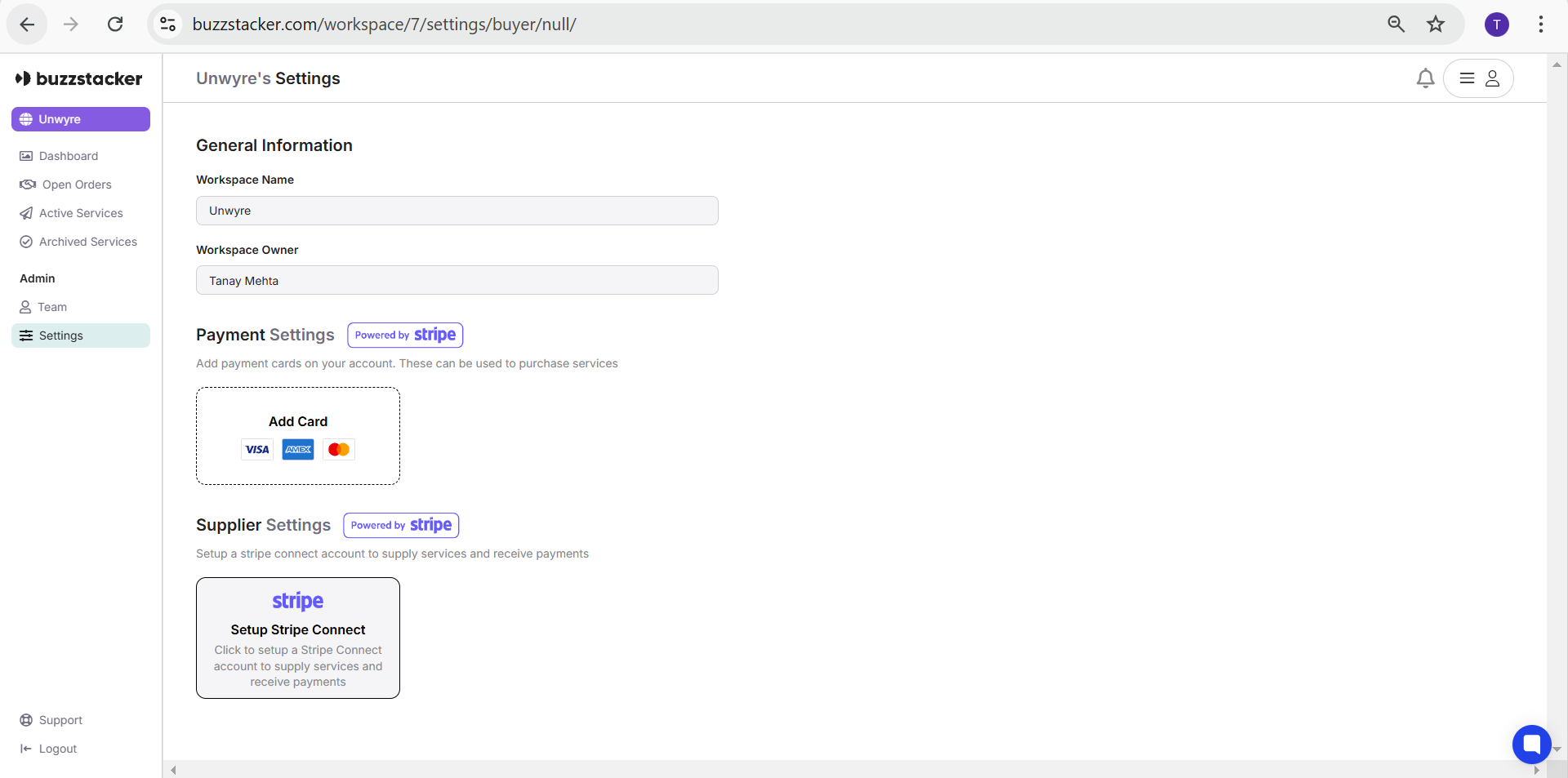
Settings: Customize payment options, supplier settings, and workspace preferences.
The Team section allows workspace owners to collaborate effectively by managing user roles:
Owner: Full access to manage all settings, team members, and services.
Member: Access to track services and contribute to ongoing tasks as per assigned permissions.
To add a team member:
Click Add User.
Enter the team member’s details and define their role (Owner or Member).
Confirm and save changes.
In the Settings tab, you can configure the following:
General Information:
Update your Workspace Name and view the Workspace Owner.
Payment Settings:
Add payment cards via the secure Stripe integration to purchase services seamlessly.
Supported cards include Visa, Mastercard, and AMEX.
Supplier Settings:
If you’re a supplier, connect a Stripe Connect account to receive payments directly through the platform.
Real-Time Order Tracking: Monitor the progress of your services from order placement to delivery.
Supplier Matching: Open orders are automatically matched with top-rated suppliers based on your requirements.
Collaboration Made Easy: Invite your team members to collaborate within a shared workspace.
Seamless Payments: Manage payments securely with Stripe integration, ensuring a smooth transaction process.
Clear Organization: All services—open, active, or archived—are neatly categorized for easy access.
Navigate to My Workspaces in the main profile menu.
Select the desired workspace to access its dashboard.
Explore the sections: Dashboard, Open Orders, Active Services, and more.
Add team members, configure settings, and manage payments as needed.
With the Workspace Dashboard, you can confidently manage your business services, collaborate with teams, and ensure a seamless workflow every step of the way.
