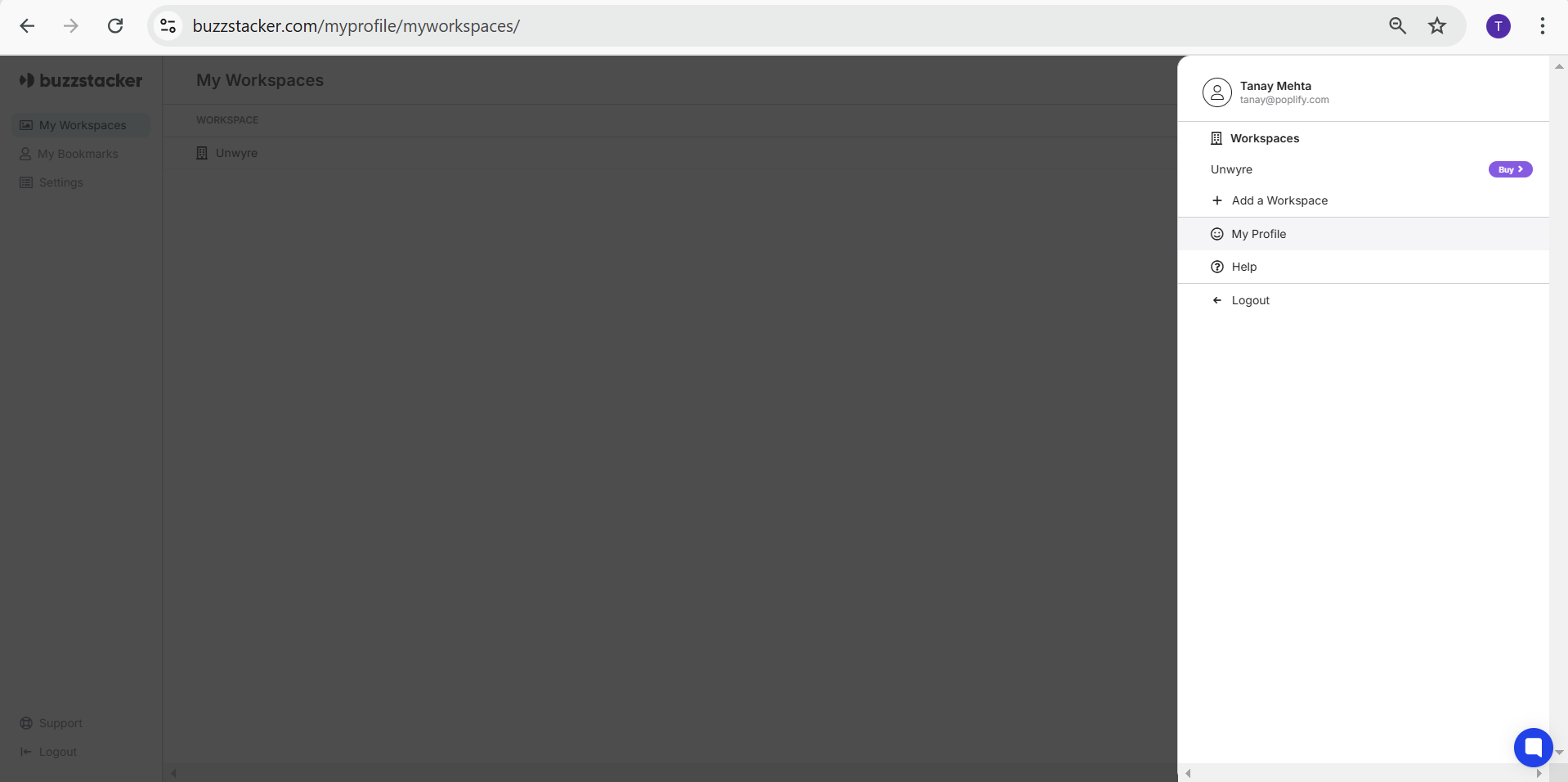
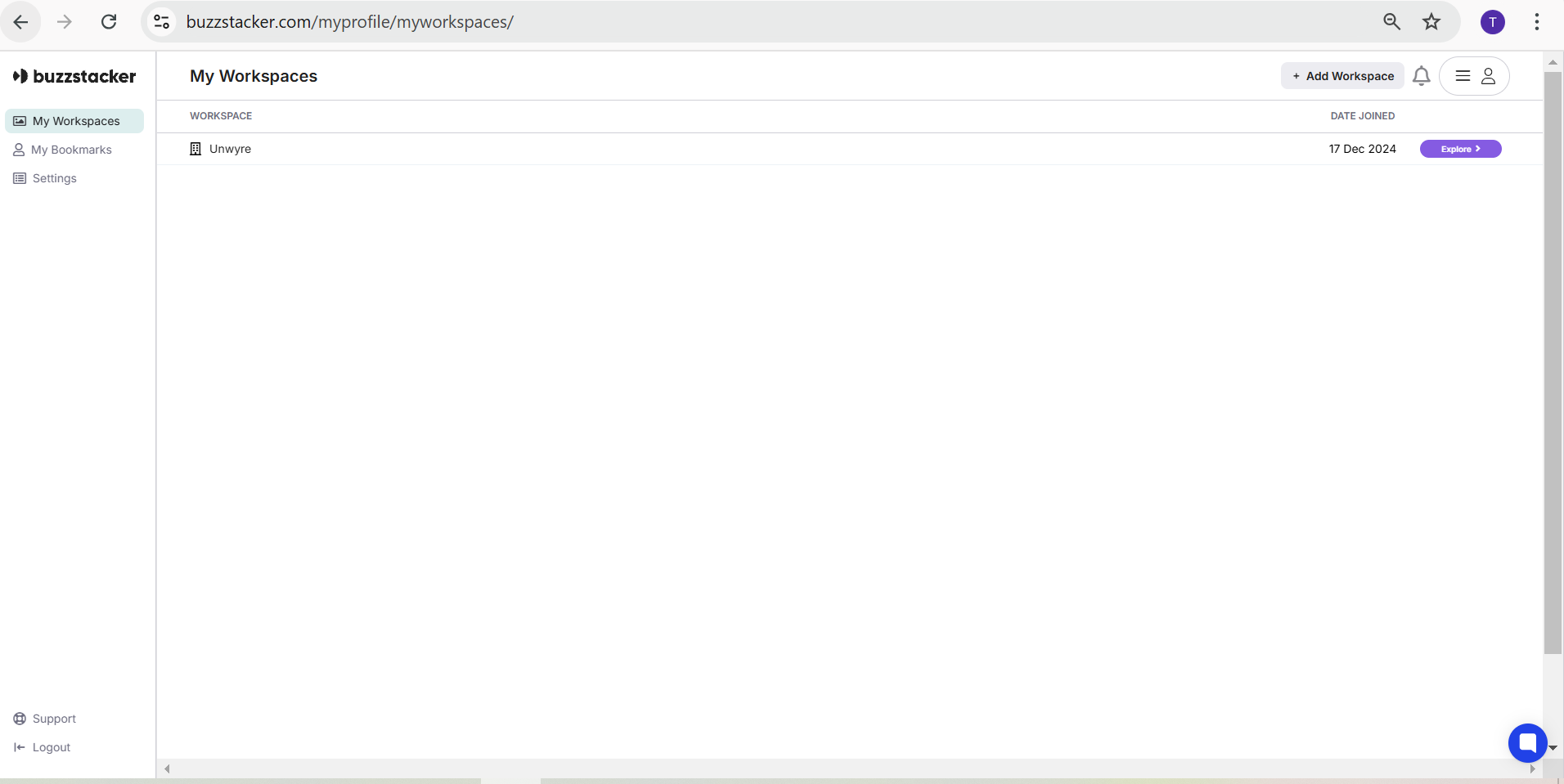
A User Profile is your individual account on Buzzstacker. It serves as your identity on the platform and allows you to access, manage, and interact with the services seamlessly.
Your profile includes key details such as:
Name
Email Address
Account Settings
With your profile, you can:
Manage your personal information.
Explore and purchase services.
Track your activity and updates.
Access all settings and preferences in one place.
Go to the Sign-Up page.
Enter your details:
Name
Password
Verify your email address to activate your account.
Log in and start using Buzzstacker!
Settings: Customize your preferences, including notifications and privacy settings.
Workspaces: Create and manage workspaces (dedicated spaces for different projects or brands) directly from your profile.
Support: Access help or contact customer support anytime through your profile menu.
Your user profile is unique to you, but you can set up multiple Workspaces under it for different businesses or projects.
Need to edit your information? Go to “My Profile” under your account menu.
Ready to begin?
Sign up and explore everything Buzzstacker has to offer! (https://www.buzzstacker.com/home/)
